
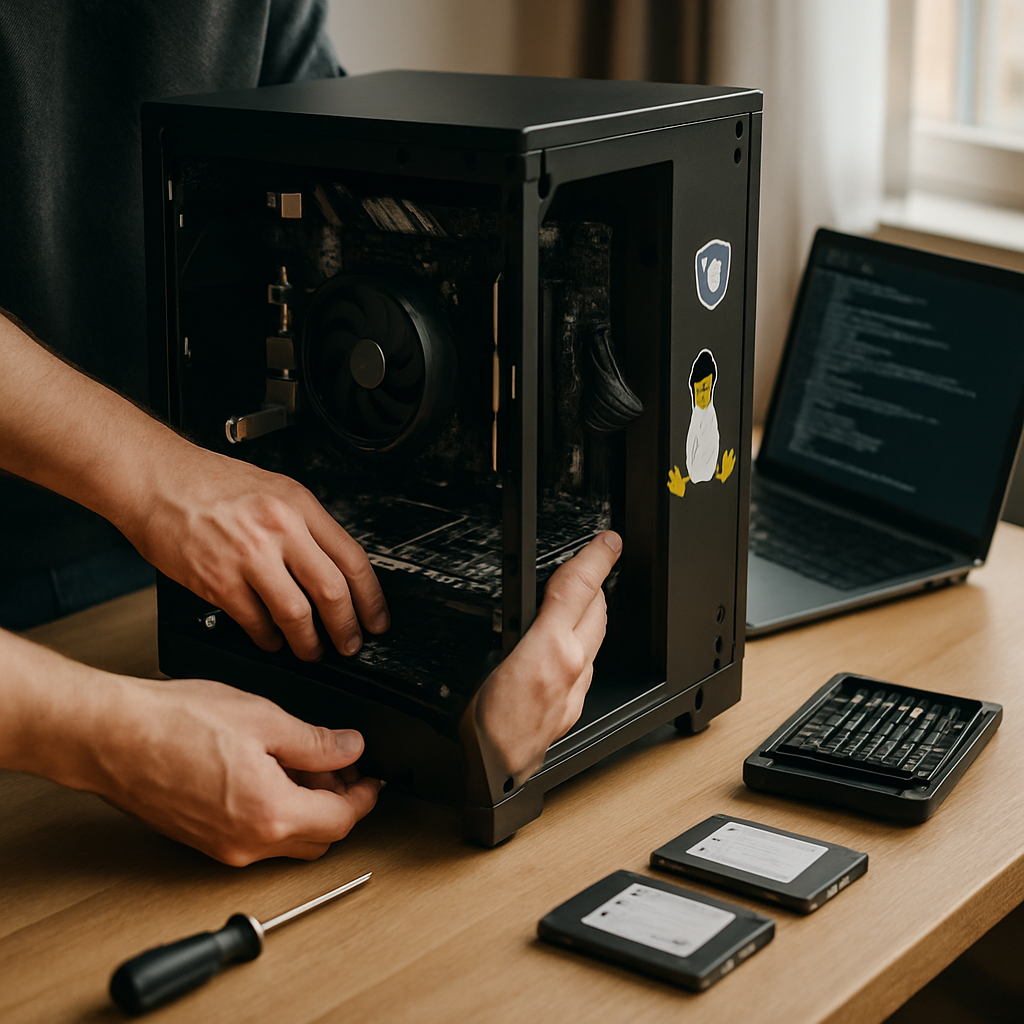
I’m building a privacy PC because I’m tired of being sold AI features that prioritize data collection over user control. A privacy PC puts privacy and transparency first, often using Linux and open-source tools to replace intrusive cloud services. If you want a machine that respects your data and reduces telemetry, this guide explains why and how to make that shift while keeping everyday workflows smooth.
Why choose a privacy PC over AI PCs
AI PCs marketed with CoPilot buttons and built-in assistants promise convenience, but they often introduce background telemetry and linked cloud accounts. Many pre-installed AI features rely on data sent to corporate servers, which raises privacy and security concerns.
By contrast, a privacy-focused computer minimizes third-party tracking, runs local or self-hosted services, and favors open-source software. Consequently, you regain control over what runs on your hardware and who has access to your information.
Key benefits of a privacy-oriented PC with Linux
Linux distributions offer granular control over system processes, package sources, and network access. This transparency makes it easier to audit and restrict software behavior, reducing unwanted data collection.
Moreover, open-source apps can be inspected and modified, and many privacy-minded communities provide hardened tools for secure browsing, encrypted storage, and private communication. Thus, you have a practical pathway to digital sovereignty.
How to build a privacy PC with Linux: step-by-step
First, choose hardware that suits your needs without unnecessary software locks or vendor-specific telemetry. A clean BIOS/UEFI environment and hardware without forced vendor utilities give you a firmer privacy baseline.
Next, pick a privacy-focused Linux distribution. Options like Debian, Fedora, or privacy-centric spins such as Tails or QubesOS each offer different trade-offs between usability and security. In addition, many mainstream distributions can be configured for privacy with a few deliberate choices.
Choose hardware with privacy in mind
Prefer systems that allow disabling of unused components (webcam, microphone) in firmware, and avoid devices with locked-down firmware or mandatory vendor telemetry. For laptops, check for open-source firmware compatibility or the ability to flash custom BIOS images.
For desktops, invest in a quality case, power supply, and motherboard that give you room to upgrade and control hardware behavior manually.
Install a privacy-focused Linux distro
During installation, create encrypted partitions and enable full-disk encryption. This ensures physical theft does not immediately expose your data. Furthermore, use separate user accounts for daily use and administrative tasks to limit accidental privilege escalation.
Once installed, lock down package sources to trusted repositories and avoid installing proprietary software that phones home unless you explicitly need it.
Harden the operating system and applications
Enable firewalls, use app sandboxing, and configure SELinux or AppArmor where available. These measures restrict what applications can access and reduce the risk of lateral movement or data leakage.
Additionally, choose privacy-respecting browsers and enable privacy extensions, tracker blockers, and DNS over HTTPS to limit fingerprinting and tracking.
Replace cloud services with self-hosted alternatives
For email, file syncing, and chat, consider self-hosted solutions (Nextcloud, Matrix, or mail servers) or privacy-focused hosted providers that minimize data collection. This approach keeps your data under your control rather than in opaque vendor silos.
For AI-like functionality, explore on-device models, local inference tools, or containerized instances you control. In this way, you benefit from automation without surrendering raw logs to third parties.
Privacy vs AI features: practical trade-offs
Opting out of vendor-driven AI can mean losing some convenience—like integrated assistant shortcuts or one-click cloud actions. However, many productivity gains can be recreated with privacy-first tooling and local automation scripts.
For example, instead of a proprietary assistant that sends data to a cloud, use an offline assistant or a small local model for voice commands and simple automation. This preserves functionality without the same privacy cost.
Everyday workflow on a privacy PC
With a privacy PC, your daily workflow centers on trusted apps: an open-source office suite, a privacy-hardened browser, encrypted messaging, and local backups. For integration, use secure APIs and minimal network permissions rather than broad vendor accounts.
Moreover, shorter feedback loops from configuration and automation let you fine-tune productivity while maintaining transparency. Over time, this can match or even surpass the convenience of pre-baked AI features.
Next steps and an actionable checklist
Start by auditing your current device: list installed apps, background services, and linked cloud accounts. Then, choose the Linux distribution that matches your comfort level and privacy goals.
Finally, implement basic hardening: enable disk encryption, set up a firewall, choose privacy-focused applications, and consider self-hosting critical services. These steps deliver immediate improvements and scale as you become more confident.
Switching from the AI PC sales pitch to a privacy PC built with Linux is not about rejecting innovation—it’s about choosing where control and trust should live. Follow the practical steps above to reclaim your data and build a machine that serves you first, with clear, incremental actions you can take today.




Leave a Reply