

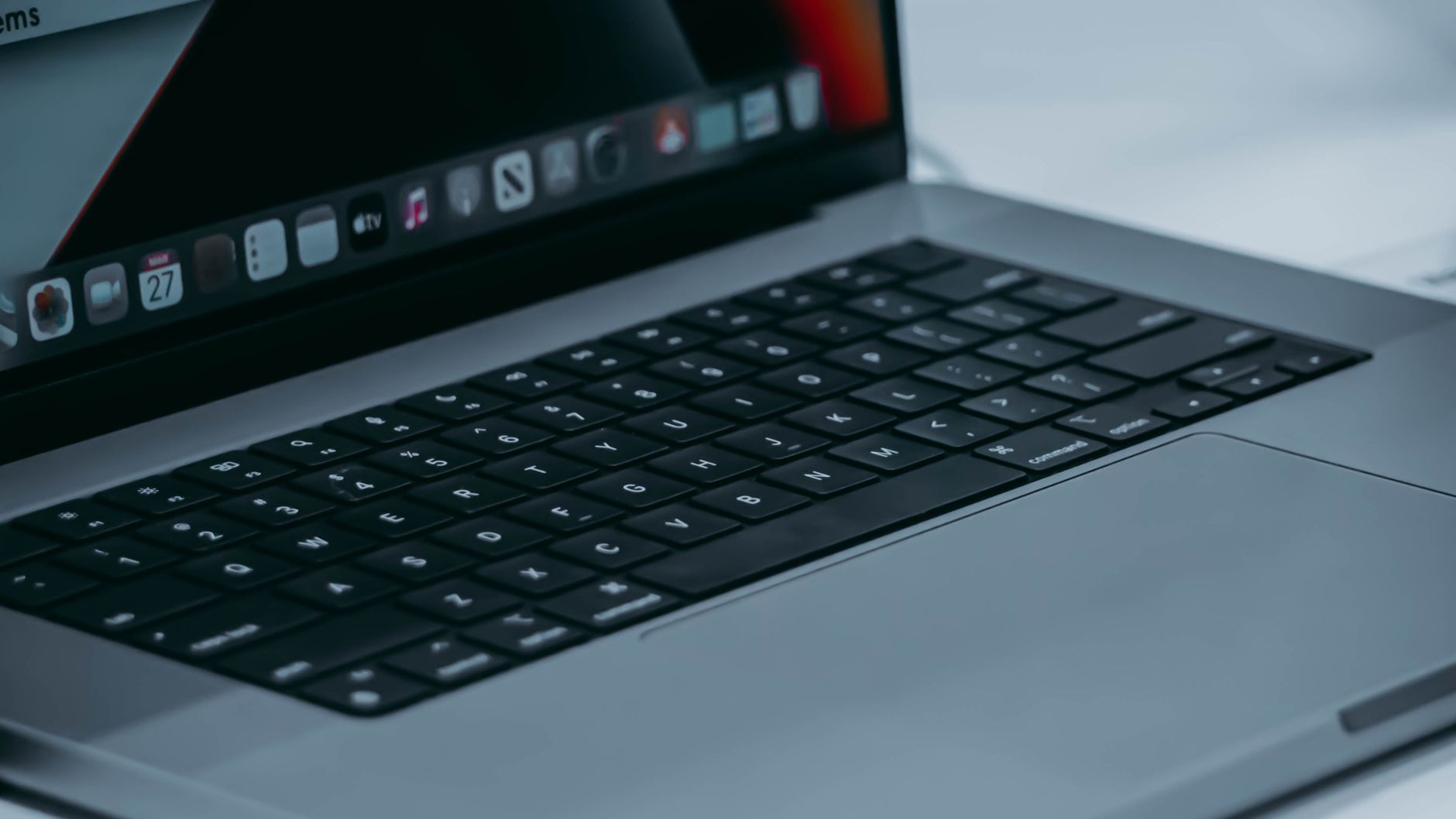
Is that aging laptop tucked in a closet collecting dust? You can transform it into a dedicated Linux appliance and give it a new life beyond everyday browsing. A Linux appliance can run lightweight servers, network tools, media services, or smart home controllers, delivering consistent performance without the overhead of a full desktop setup.
Why repurpose an old laptop into a Linux appliance
First, repurposing saves money and reduces electronic waste by extending hardware lifespan. Older laptops often have perfectly serviceable CPUs, RAM, and storage that are ideal for dedicated tasks when paired with a lean Linux distribution.
Moreover, converting a laptop into a single-purpose appliance simplifies maintenance and improves reliability, because you can tailor the system to one role rather than juggling multiple applications.
Preparation: hardware checks and backups
Start by inspecting the laptop’s physical condition: battery health, cooling fans, and storage integrity matter more than sleek aesthetics. If the battery is swollen or the fan is clogged, address those issues before moving forward.
Next, back up any important data and create a recovery USB. This ensures you can restore files if something goes wrong during installation or configuration.
Choose the right Linux distribution for an appliance
Selecting a lightweight distribution is essential for consistent performance. Consider options like Debian, Ubuntu Server, Fedora Server, or specialized distros such as Alpine Linux and Raspberry Pi OS for low-resource environments.
Additionally, for appliances that require stability and long-term support, opt for LTS releases or minimal server images that reduce attack surface and dependency bloat.
Seven practical ways to use an old laptop as a Linux appliance
Below are practical role ideas that turn aging hardware into useful infrastructure around the home or office. Each option focuses on stability, low resource usage, and clear benefits.
1. Personal cloud and file server
Run Nextcloud or Syncthing to create a private cloud and sync files across devices securely. With RAID or external storage, the laptop becomes a centralized repository for photos and documents.
2. Home media server
Install Plex, Jellyfin, or Emby to stream music and video to TVs and phones. For best performance, connect via Ethernet and transcode sparingly by choosing compatible media formats.
3. Network-wide ad blocker and DNS resolver
Software like Pi-hole or AdGuard Home turns the laptop into a network appliance that blocks ads and speeds up DNS resolution. This option improves browsing performance across all devices on your network.
4. Lightweight web server or development sandbox
Use Nginx, Apache, or Caddy for hosting static websites, local APIs, or a development environment. The laptop can serve as an isolated testbed for web projects without affecting your main workstation.
5. Home automation hub
Install Home Assistant or OpenHAB to coordinate smart devices and automation rules. An old laptop provides the compute and storage for logs, dashboards, and integrations with minimal latency.
6. Network-attached backup appliance
Set up automated backups with Borg, Restic, or duplicity to protect other devices on your network. Scheduled snapshots and encrypted remote sync provide resilience against data loss.
7. Lightweight VPN or firewall appliance
Turn the laptop into a secure gateway using OpenVPN, WireGuard, or a dedicated firewall distro like pfSense (if compatible). This approach enhances privacy when you’re on public Wi‑Fi and creates secure remote access to your home network.
Optimize performance, power, and storage
To keep the appliance efficient, disable unnecessary services, trim background processes, and use swap sparingly. Replace spinning hard drives with an SSD if possible for faster boot and lower power draw.
Additionally, configure power management to avoid overheating and reduce noise. Ethernet connections and static IPs provide more reliable network performance for server roles.
Security, remote access, and maintenance
Always enable automatic security updates or apply patches regularly to reduce vulnerability risk. Harden SSH access by using key-based authentication, changing default ports, and limiting user privileges.
For ongoing monitoring, deploy lightweight tools like Netdata or Prometheus exporters to track CPU, memory, and temperature. Regularly test backups and document recovery procedures so the appliance remains dependable.
By repurposing an old laptop as a dedicated Linux appliance, you create a resilient, efficient device tailored to specific tasks—be it media streaming, home automation, or secure access. Start small: pick one role, install a minimal distribution, and iterate. With a few hours of setup and basic maintenance, that forgotten laptop can become one of the most useful pieces of hardware in your home or lab.


Leave a Reply