
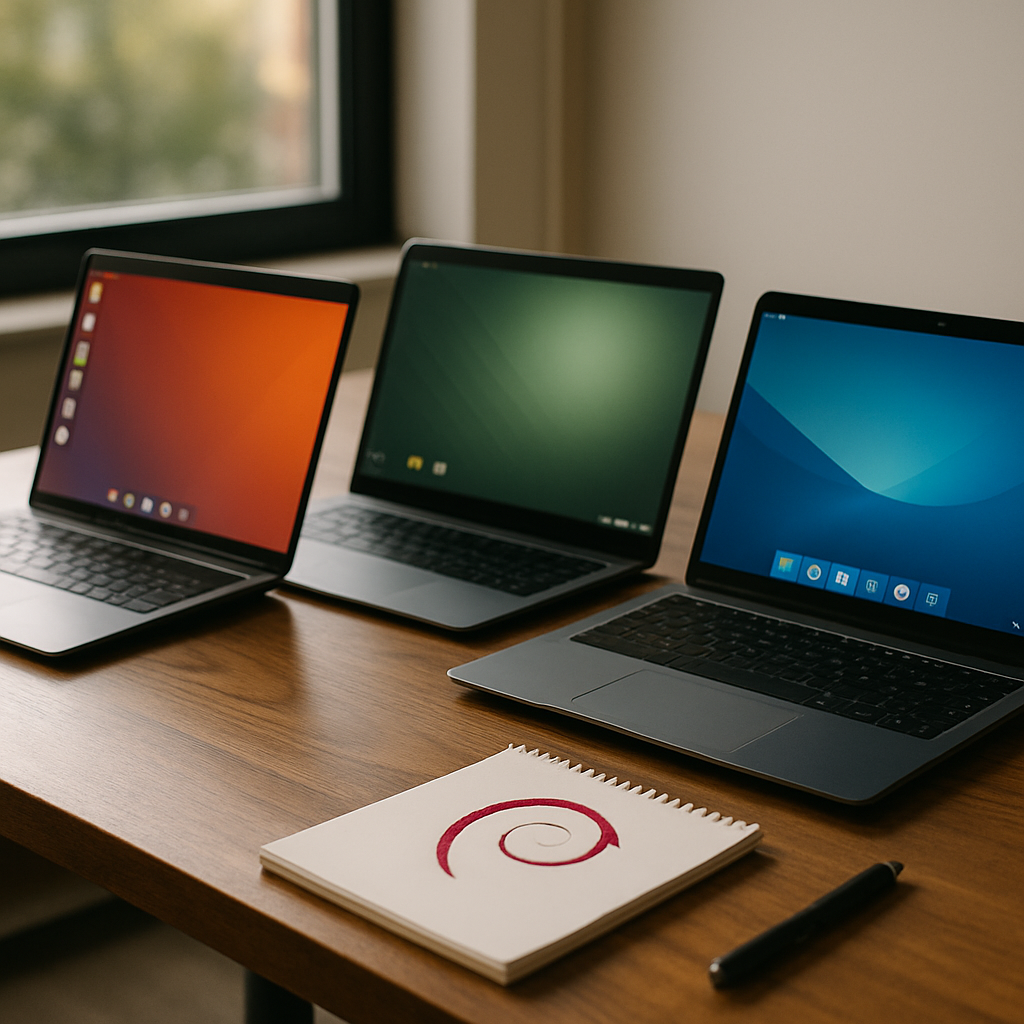
Choosing the right Linux distribution can feel overwhelming, but Ubuntu often serves as the friendly gateway for newcomers and seasoned users alike. If you’ve been curious about Linux Mint, Zorin, or Debian, this guide will cut through the noise with practical advice and clear comparisons to help you pick the distro that fits your workflow.
Why Ubuntu remains a popular choice
Ubuntu has built a reputation for ease of use, extensive hardware support, and a vast software ecosystem. Canonical’s regular releases and long-term support (LTS) options make Ubuntu a reliable base for both desktop and server environments. Moreover, the large community means troubleshooting guides and tutorials are easy to find for most issues.
Ubuntu features that matter
Out of the box, Ubuntu offers an intuitive desktop experience, driver compatibility, and a curated app store. For newcomers, the graphical installer and predictable release cadence simplify setup and maintenance. Additionally, Ubuntu’s compatibility with Snap packages adds another layer of software availability.
Linux Mint: a comfortable, familiar desktop
Linux Mint focuses on desktop comfort and traditional workflow, making it an excellent alternative for users transitioning from Windows. The Cinnamon edition mirrors a classic desktop layout, while MATE and Xfce provide lightweight performance options. Consequently, Mint balances stability and user-friendly defaults without excessive tinkering.
Why pick Linux Mint over Ubuntu?
Linux Mint is derived from Ubuntu and thus inherits much of its hardware support and package availability. However, Mint often opts for a more conservative approach, favoring established technologies over the newest packaging formats. For example, Mint emphasizes DEB packages and a more straightforward update policy, which some users prefer for stability.
Zorin: ease and aesthetic polish
Zorin OS targets users migrating from Windows and macOS with a polished interface and helpful onboarding. The desktop skins and layout switcher allow you to emulate other operating systems, reducing the learning curve. Furthermore, Zorin includes user-focused utilities aimed at simplifying day-to-day tasks.
Zorin’s strengths for newcomers
For people who prioritize an attractive, out-of-the-box experience, Zorin is a strong contender. It bundles tools for multimedia, drivers, and basic system tweaks so less setup is required after installation. Additionally, Zorin’s focus on usability makes it a favorite for non-technical users who want a familiar environment.
Debian: the rock-solid foundation
Debian is renowned for stability and a strict testing process, making it a preferred base for servers and conservative desktop installations. It may not always include the newest packages, but the trade-off is a predictable and secure platform. If you value reliability and control over fresh features, Debian is worth considering.
When to choose Debian
Pick Debian when you need long-term stability, minimal surprises during upgrades, and a wide choice of architectures. Debian’s package repositories are massive and well-maintained, which benefits advanced users and system administrators. On the other hand, newcomers should be prepared for a steeper learning curve compared with Ubuntu or Zorin.
Comparing installation and hardware support
Installation experiences vary across distributions: Ubuntu and Zorin tend to be the most streamlined, while Linux Mint provides a familiar manual setup. Debian offers the most flexible installer, with options for minimal or advanced configurations. Consequently, your comfort with installation tools should influence your choice.
Drivers and multimedia
Ubuntu often includes proprietary driver installers and broader out-of-the-box multimedia support. Linux Mint and Zorin also provide codecs and drivers to avoid post-install hassles, whereas Debian may require extra steps to enable non-free firmware. Therefore, if immediate multimedia playback is essential, prefer an Ubuntu-based distro.
Which Linux is right for you?
If you want a friendly platform with vast support and regular updates, start with Ubuntu. If you prefer a traditional desktop that feels familiar to Windows users, try Linux Mint or Zorin. If you prioritize absolute stability and control, Debian is the logical choice.
Quick decision checklist
Consider testing live USB images to evaluate each distro’s feel and hardware compatibility. Next, think about whether you need the latest packages or prefer conservative updates for stability. Finally, review community support and documentation — these resources will be invaluable as you learn.
Experimenting with a couple of live sessions and short installs is the most practical way to decide. By sampling Ubuntu, Linux Mint, Zorin, or Debian, you’ll quickly discover which environment enhances your productivity and comfort. Take action by creating a persistent live USB or a virtual machine and try one distro for a week to see how it fits into your daily workflow.




Leave a Reply